Settings
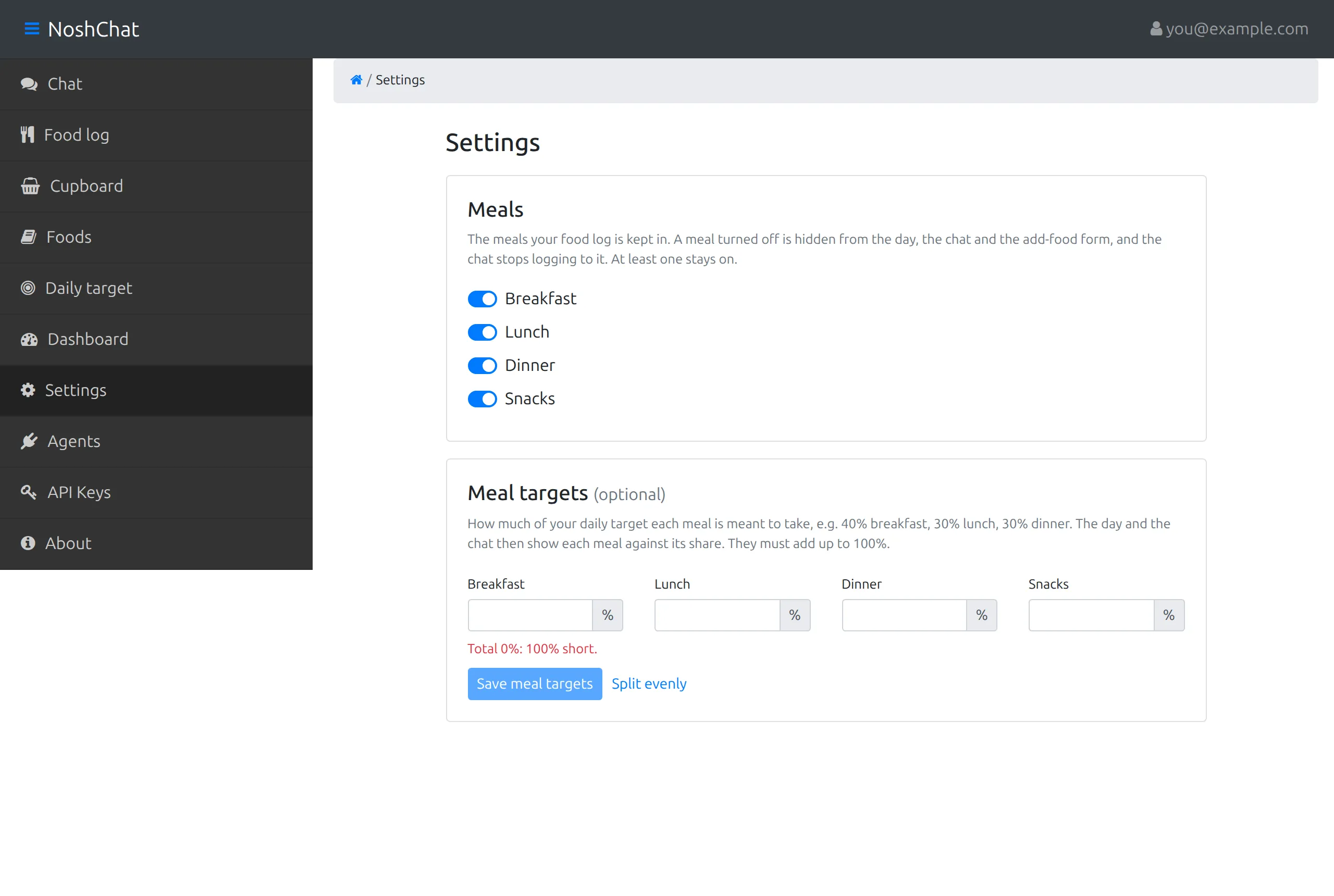
There’s a switch for each meal: breakfast, lunch, dinner and snacks. Turn off a meal you don’t use and it’s gone everywhere: the Food log, the chat’s Today panel and the meal picker. The chat won’t log to it either; food that would have gone there goes to the nearest meal that’s on.
At least one meal stays on. A day that already has food at a meal you’ve turned off still shows that meal, so nothing you logged disappears.
Meal targets
Section titled “Meal targets”Optionally, give each meal a share of your daily target, such as 40% breakfast, 30% lunch and 30% dinner. The shares have to add up to 100%: the line under the boxes shows the running total and how far off it is, and Save meal targets waits until it’s right. Split evenly shares it out equally between the meals that are on.
With meal targets set:
- each meal card shows its own target, for example “620 of 880 kcal”, and turns red once you’re over,
- the same share of each macro target is shown under it,
- and the chat sizes its suggestions to what’s left of the next meal.
If you turn a meal off, its share moves to the nearest meal that’s on.
Food preferences
Section titled “Food preferences”Tell the chat how you eat, and it keeps to it whenever it suggests a meal:
- Diet: anything, pescatarian, vegetarian or vegan.
- Time to cook: no cooking, up to 15 or 30 minutes, or any time.
- Never suggest: allergies, or anything you never eat.
- Rather not: left out of suggestions unless you ask for them.
- Cuisines you like: suggestions lean toward these.
Separate foods with commas, and choose Save preferences. You can also just say it in the chat, “I’m allergic to peanuts”, and choose Save to settings under the reply (Telling it how you eat).